
1
Add a photo reference

Loading content

Parent-Guided AI Storybook Studio
Turn a structured family story brief into a book you can review page by page.
Create a complete illustrated storybook from a child photo, a chosen character direction, a story world, and your own idea—with an adult controlling every step.

A guided brief, not an open-ended prompt
Know what the product does
The studio collects the character, story world, role, format, and optional idea so the generated book starts from a clear family brief.
The selected character image is reused as a reference while the cover and interior scenes are illustrated.
Families can read the generated pages and use the available page-regeneration control when an illustration needs another pass.
The generation pipeline uses the text and image providers configured by the TalePillow administrator and reports provider failures instead of silently switching services.
TalePillow uses the text and image providers selected in Admin. Generation time and visual output vary by provider, model, queue, story length, and revision choices.
A digital family keepsake
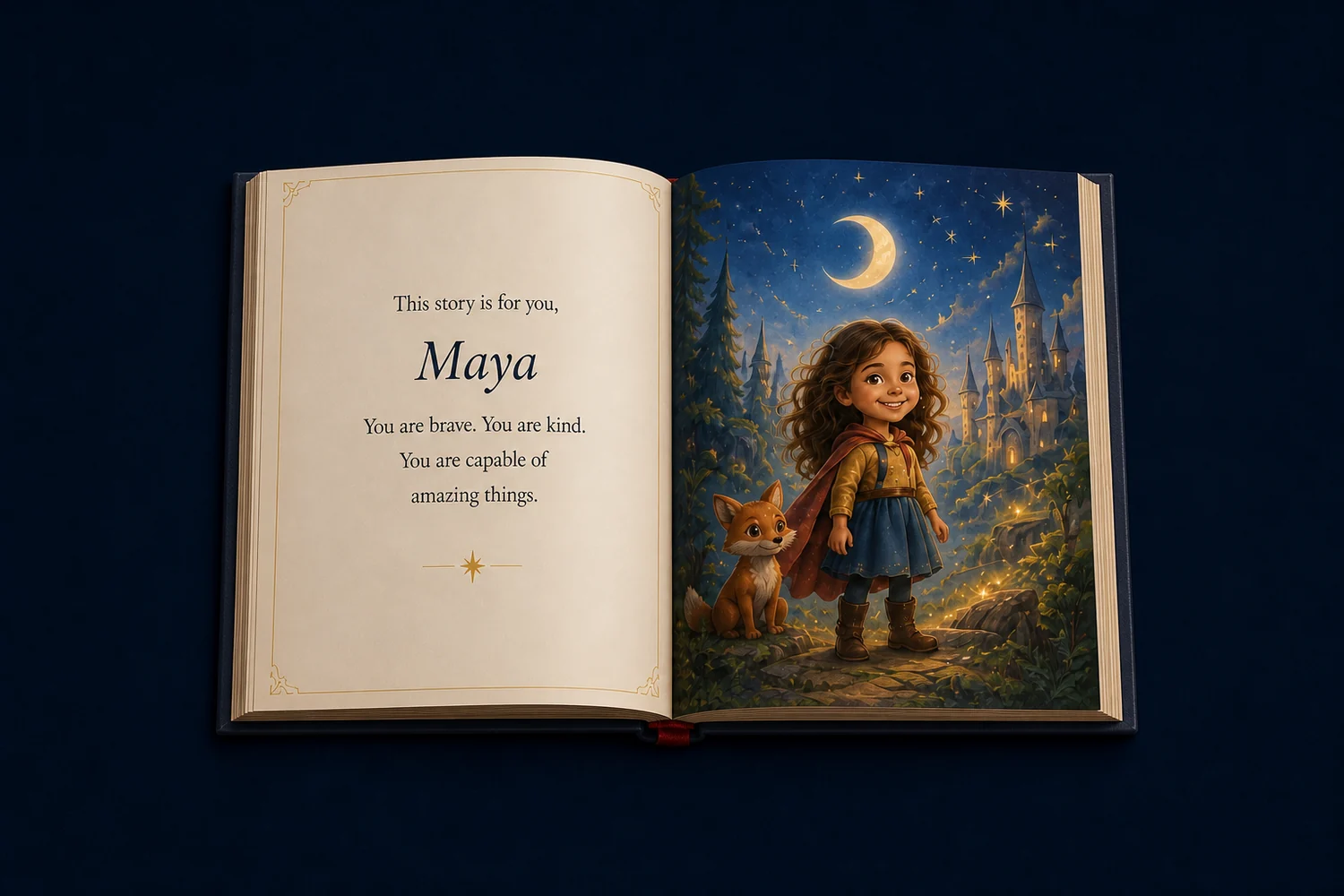
 Interactive page readerPrintable PDF exportNarration when configured
The creator shows six illustrated character directions made from the reference photo. The adult chooses one, sets the story brief, and controls whether to continue to the paid generation step.
Generated illustrations can vary. Review the finished pages before sharing or printing the family book.

Continue your research
See the complete photo-to-book workflow.
Start a character preview and build the story brief.
Understand the current adult-control and safety rules.
Review the current policy for custom digital generation.
Common Questions
You choose a character direction, story world, role, landscape or portrait format, and an optional story idea. The studio then creates the script, cover, and interior scenes from that brief.
The story reader includes a controlled page-regeneration path. Availability and regeneration limits follow the current system settings.
No. Time varies with the configured AI provider, model response time, queue, page count, and any retries or revisions. TalePillow does not promise one fixed completion time.
Narration is available when the site's voice service is configured. The reader reports when narration is unavailable rather than promising an audio file for every generation.
Created today. Remembered for years.