
How to Evaluate a Personalized Storybook Demo Before Creating a Child’s Book
A scene-by-scene guide to checking a personalized storybook demo, from photo upload and character preview to story quality and print options.
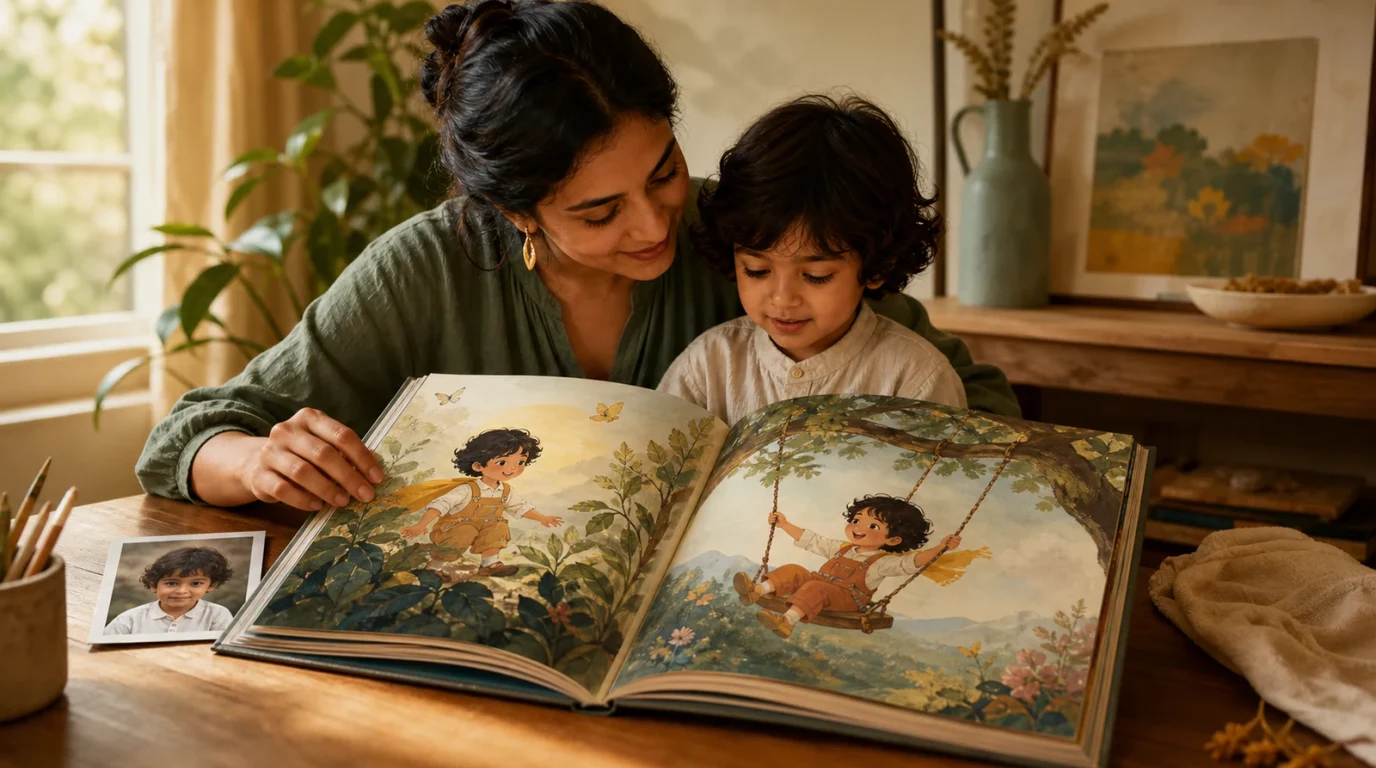
A mother testing an interactive storybook preview on a tablet before ordering
START HERE
What to do first
Editorial Transparency: Published by TalePillow, a personalized storybook service. We broke down the essential steps of modern personalized book creation into an actionable evaluation rubric.
What to Inspect During a Storybook Demo
| Stage | What to Test | What Good Looks Like | Warning Signs |
|---|---|---|---|
| 1. Photo Upload | Ease of upload & image processing | 1 photo upload; no complex cropping needed | Demands 10+ photos or manual cutout editing |
| 2. Likeness Preview | Character facial accuracy | Child's real smile and facial features captured in 3D | Generic cartoon avatar that only matches hair color |
| 3. Story Pacing | Age-appropriate narrative flow | Meaningful themes, balanced text length, engaging dialogue | Robotic boilerplate or disjointed vignettes |
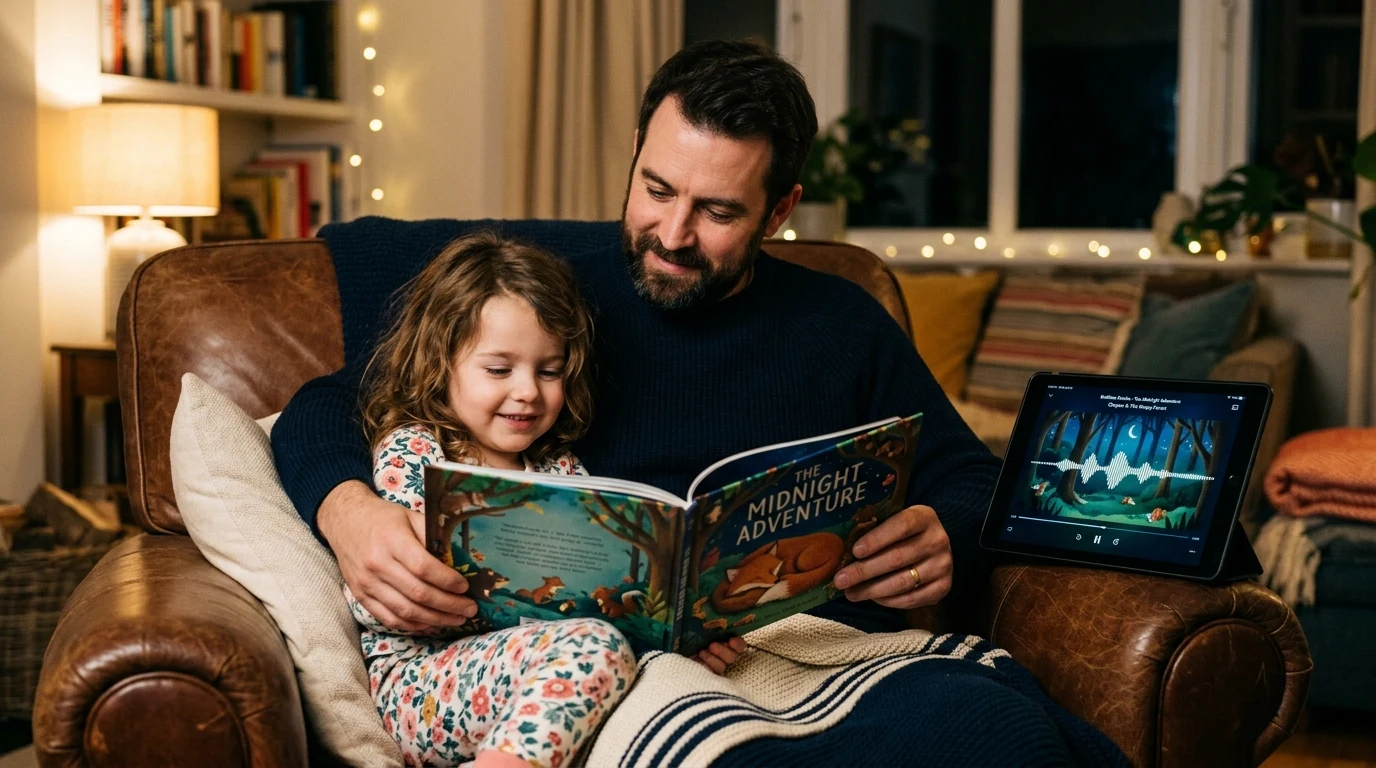
| 4. Bedtime Audio | Vocal tone and text synchronization | Calming voice with word-by-word highlight syncing | Harsh synthetic text-to-speech without text sync |
| 5. Export Options | File resolution and portability | 300 DPI print-ready PDF and cross-device reading | Low-resolution screenshots or gated downloads |
5 Critical Inspection Steps in Any Storybook Demo
1. Test the Character Likeness: Check whether the demo captures your child's distinct smile, eye shape, and hair, or merely applies a generic cartoon template. 2. Review Narrative Balance: Ensure the text length matches your child's attention span and reading age. 3. Listen to Narration Quality: Verify that the audio is soothing and clearly synchronized with highlighted words on screen. 4. Inspect Resolution: Make sure the exported format provides high-resolution 300 DPI clarity suitable for physical printing. 5. Check Gated Walls: Avoid platforms that force credit card entry before allowing you to see the finished story pages.
The TalePillow Interactive Demo Experience
TalePillow was designed from the ground up to provide total transparency:
- Instant Photo Transformation: Watch 1 photo transform into a 3D animated hero in seconds.
- Complete Free Preview: Read every single page and test the audio narration before spending a dollar.
- Instant Access: Ready in 2 to 3 minutes on any tablet, smartphone, or laptop.
Try the TalePillow demo free in 2 minutes.
Quick Decision Checklist: Which Should You Choose?
Choose a Traditional Demo if:
- You only want to inspect pre-drawn cartoon catalog samples without uploading a photo.
Choose TalePillow if:
- You want to test your child's actual photo in a complete 3D storybook demo for free.
- You want to experience synchronized bedtime audio narration in real time.
- You want an exportable 300 DPI PDF picture book.
Frequently Asked Questions
Can I test TalePillow on my smartphone?
Yes. The entire creation flow, 3D preview, and audio narration work seamlessly in your mobile browser.
Is the demo identical to the finished book?
Yes. What you see in your TalePillow preview is the exact, complete storybook you receive.
How long does generation take?
The entire storybook and audio narration generate in 2 to 3 minutes online.
Make a Storybook Your Family Can Preview Together
Start with one photo, review the generated character and story pages, and decide whether the finished book feels right for your child before sharing it.
Join the discussion
Log in to share your thoughts and join the conversation for this article.
Log in to commentNo comments yet. Share a practical idea that could help another family.