
Storywizard AI shutdown: how to preserve saved stories before the download deadline
A practical guide for families checking a Storywizard AI shutdown notice, exporting stories, and comparing preservation options for children’s books.

Preserving and exporting digital children's stories before service migration
START HERE
What to do first
Editorial Transparency: Published by TalePillow, a personalized storybook service. We compiled this guide to help families transition smoothly after the StoryWizard AI transition alongside StoryJumper.
StoryWizard AI Shutdown: What Happened & What's Next
| Topic | Details | TalePillow Migration Path |
|---|---|---|
| Service Status | StoryWizard AI discontinued operations | Active, fully supported global platform |
| Saved Projects | Past user projects cannot be accessed on the platform | Recreate favorite themes in superior 3D animation |
| Creation Workflow | Complex prompt tuning | Simple guided workflow from 1 photo (2 mins) |
| Bedtime Audio | Basic synthetic voice | Calming voice narration with synced highlighted text |
| Print Quality | Basic digital PDF export | Professional 300 DPI print-ready PDF |
| Commitment | Subscription required | Transparent story credits + free full preview |
What Led to the StoryWizard AI Sunset?
Many first-generation generative AI storytelling tools faced severe structural and operational challenges:
- High Cloud Compute Costs: Generating high-volume unoptimized AI imagery without dedicated storybook pagination strained server infrastructure and raised subscription prices.
- Lack of Physical Picture Book Focus: Generating random image grids rather than formatted picture book layouts frustrated paying families who wanted keepsakes.
- Customer Frustration Over Prompts: Many parents found prompt engineering tedious and unpredictable, resulting in distorted characters and incoherent plotlines.
- The TalePillow Difference: TalePillow is built on an efficient, dedicated picture book architecture designed for long-term reliability and sustainable family pricing.
How to Recreate Favorite Stories on TalePillow
While StoryWizard is no longer operational, you can easily create superior 3D animated versions of your child's favorite themes in minutes:
1. Upload One Photo: Select a clear smartphone photo of your child. 2. Choose Age and Interests: Pick themes your child loved in StoryWizard (space exploration, magical dragons, kindness, bedtime calm). 3. Enjoy Instant Generation: In 2 to 3 minutes, your child stars in an original 3D storybook with soothing bedtime narration. 4. Export Anytime: Download a print-ready 300 DPI PDF for physical keepsakes.
Start your family's new story on TalePillow.
Quick Decision Checklist: Where Should You Migrate?
Choose Classroom Authoring (StoryJumper) if:
- You are a teacher leading student writing curricula where students type paragraphs manually.
Choose TalePillow if:
- You want an instant, beautiful bedtime storybook ready in 2 to 3 minutes.
- You want your child to see their real 3D face and smile.
- You want soothing bedtime audio with synchronized word highlighting.
- You want an exportable 300 DPI PDF picture book without subscription locks.
Frequently Asked Questions
Why did StoryWizard shut down?
Many early AI story services struggled with high compute costs and lack of specialized children's picture book formatting. TalePillow is built on an optimized, sustainable architecture designed for long-term family use.
Can I import old StoryWizard stories into TalePillow?
While raw database files cannot be transferred directly, you can easily recreate your child's favorite themes in TalePillow with vastly superior 3D illustrations and synchronized audio narration in just 2 minutes.
Does TalePillow offer classroom packages?
TalePillow offers flexible story credit packages suitable for both families and educators looking to reward young readers with personalized stories.
Are my past StoryWizard billing details safe?
StoryWizard handled subscriptions via third-party processors. Always verify through your bank or payment portal that past recurring subscriptions have stopped.
Make a Storybook Your Family Can Preview Together
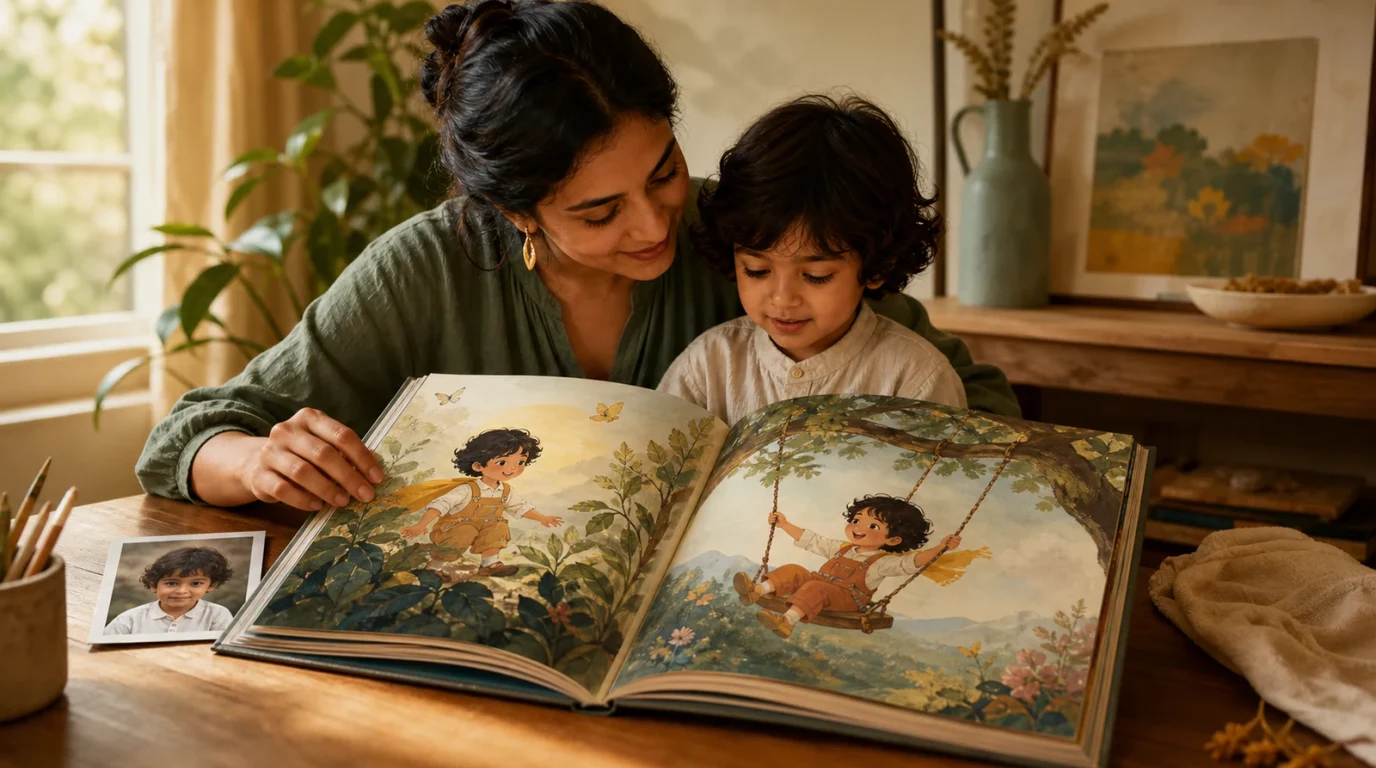
Start with one photo, review the generated character and story pages, and decide whether the finished book feels right for your child before sharing it.

Join the discussion
Log in to share your thoughts and join the conversation for this article.
Log in to commentNo comments yet. Share a practical idea that could help another family.